A well-built website is one of the best tools a K-12 private school has. It draws in prospective families, keeps current students and parents engaged, and builds a strong brand. Your school's website is the virtual front door, and it gives visitors a first look at your unique value proposition, your academic programs, and your community culture.
This guide will help you build an online presence that drives enrollment, keeps families engaged, and sets your school up for long-term success. Here are the topics we'll cover.
- Understanding your target audience and creating user personas
- Defining your school's brand identity and messaging
- Key components of an effective K-12 school website
- Best practices for user experience (UX) and user interface (UI) design
- Ensuring website security and protecting sensitive data
- Strategies for driving traffic, engagement, and conversions
- Measuring success and continuously improving your website
By the end, you'll know how to build a website that looks great, makes a clear case for your school's unique value, and drives results you can measure. Maybe you're redoing an old site, or maybe you're starting from scratch. Either way, this guide gives you the insights and steps you need to build a strong online presence for your K-12 private school.
Understanding Your Target Audience
To design an effective K-12 Private School website, you need to understand what your audience needs, prefers, and cares about. This section covers the primary and secondary audiences for your school website and shows how to build user personas that guide your design and content choices.
Identifying the Primary Target Audience and Secondary Audiences
- Parents of Children Approaching School Age: These individuals are seeking information about kindergarten or equivalent educational options for their children.
- Parents Looking for a Change from Current School Options: Families considering a transition from their current public or private school, such as during the middle school years.
- Individuals Relocating or Seeking a Specific Educational Philosophy: Families moving to a new area or seeking a school with a particular educational approach (e.g., religious affiliation, Montessori method).
- Existing families, faculty, staff, and alumni, as these stakeholders rely on the website for information about events, calendars, and online resources.
Conducting Market Research
Want to know what your audience prefers and needs? Ask them, using surveys, interviews, and data analysis. Once you know what matters most to prospective families, you can tailor your website content and messaging to match.
Building parent personas helps you see your site through your audience's eyes and fit it to their needs. Think about demographics, motivations, pain points, and goals as you build them. Some examples follow.
Examples
Here's how a hypothetical school, "Greenfield Academy," built a marketing plan with a distinct persona for each archetype.

The Traditionalist
The Smith Family likes schools with traditional values and methods. They want uniforms, discipline, and a structured approach to learning.
- John and Lisa Smith, both in their mid-40s
- Their children, Emma (11) and Daniel (14)
- Values structure, discipline, and a strong moral and religious foundation in education
- Enjoys the idea of school uniforms and traditional teaching methods
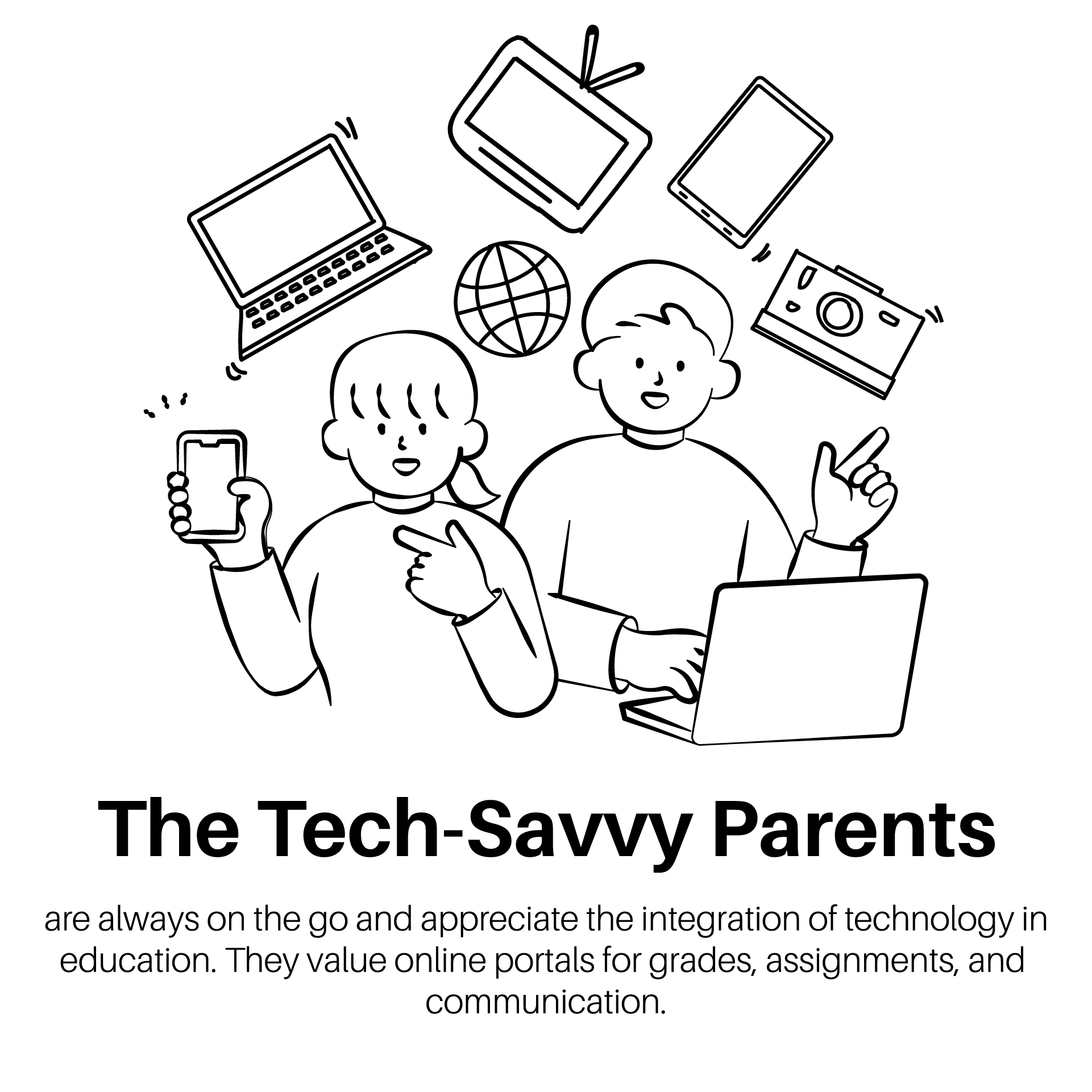
The Tech-Savvy Parents
The Johnson Family is always on the go and wants tech built into school life. They value online portals for grades, assignments, and messages.
- David and Sarah Johnson, a tech-savvy couple in their early 30s
- Their child, Ethan (9)
- Prefer schools with integrated technology for communication, assignments, and progress tracking
- Often on the go and appreciate digital tools for involvement
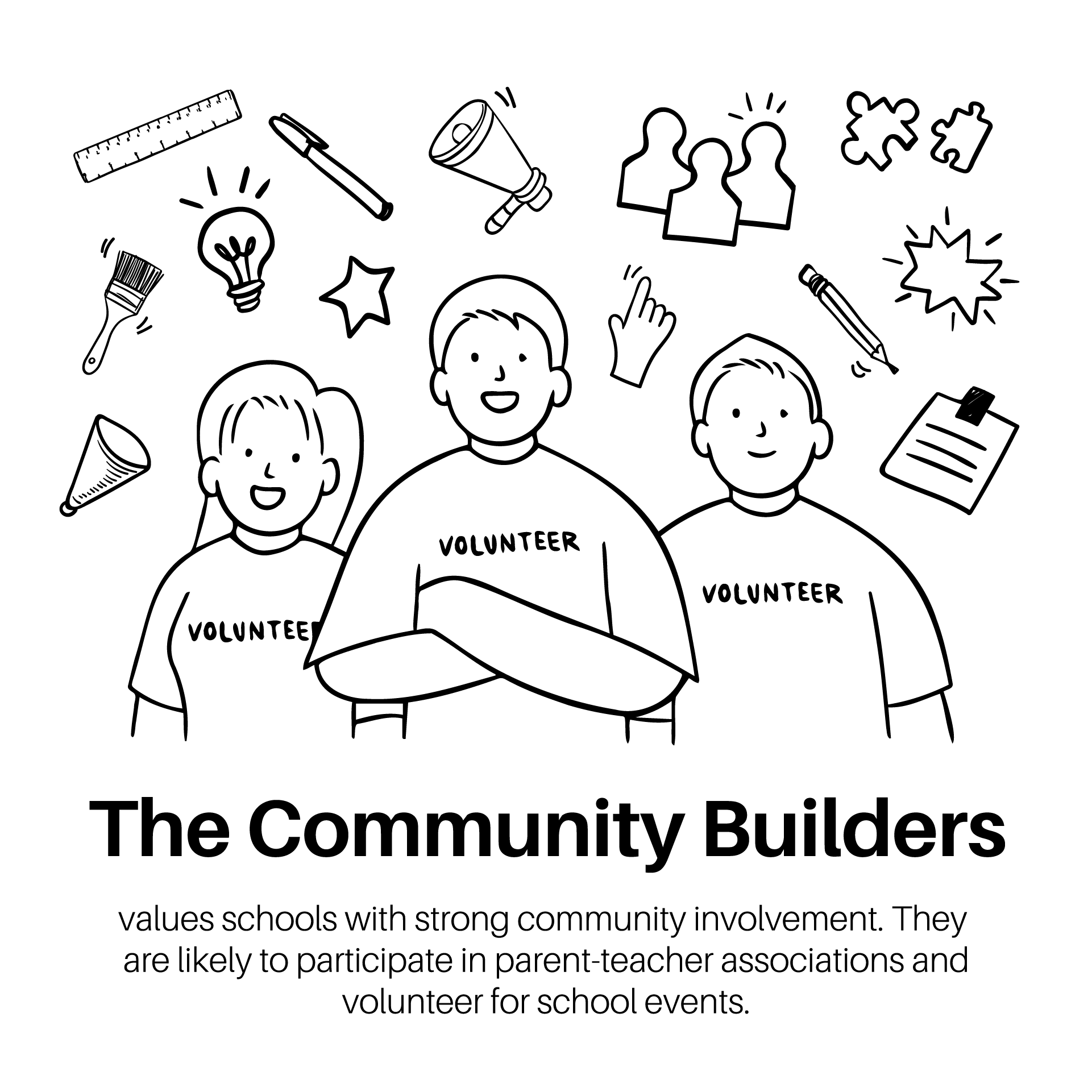
The Community Builders
The Garcia Family wants a school with a strong community. They'll likely join the PTA and help out at school events.
- Carlos and Maria Garcia, a lively couple in their late 30s
- Their child, Sofia (8)
- Actively involved in the Parent-Teacher Association (PTA) and volunteer for school events
- Value strong community ties and school involvement

The High Achiever
The Anderson Family wants their kids to excel in the classroom. They want rigorous courses and chances to learn at an advanced level.
- Michael and Emily Anderson, both in their early 40s
- Their children, Olivia (12) and Benjamin (16)
- Seek schools with rigorous academic programs and opportunities for advanced learning
- Encourage their children to excel academically
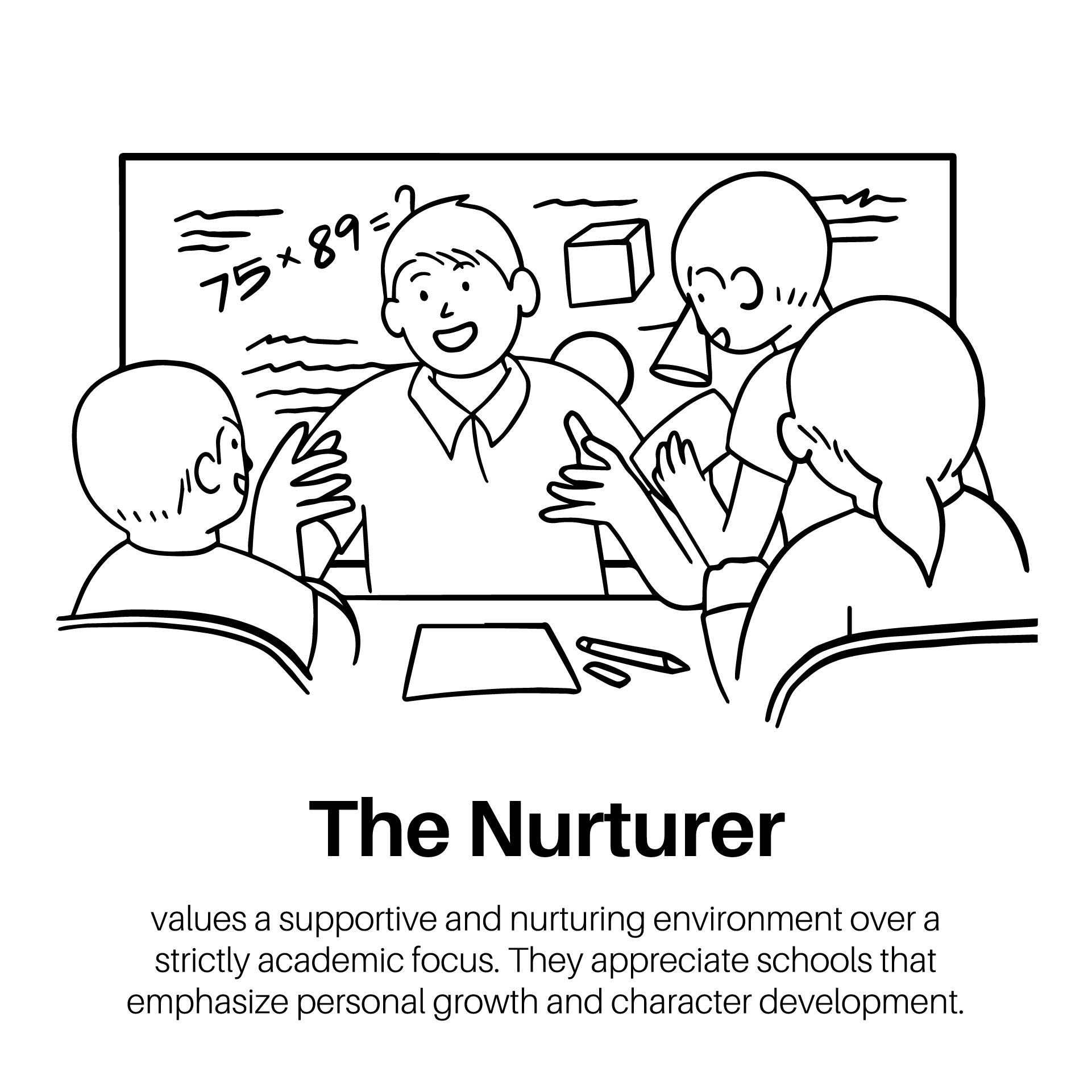
The Nurturer
The Wilson Family wants a warm, caring school more than a strictly academic one. They like schools that stress personal growth and character.
- Robert and Susan Wilson, a caring couple in their early 40s
- Their child, Lily (10)
- Value a supportive and nurturing environment that emphasizes character development
- Emphasize personal growth and well-being over strict academics
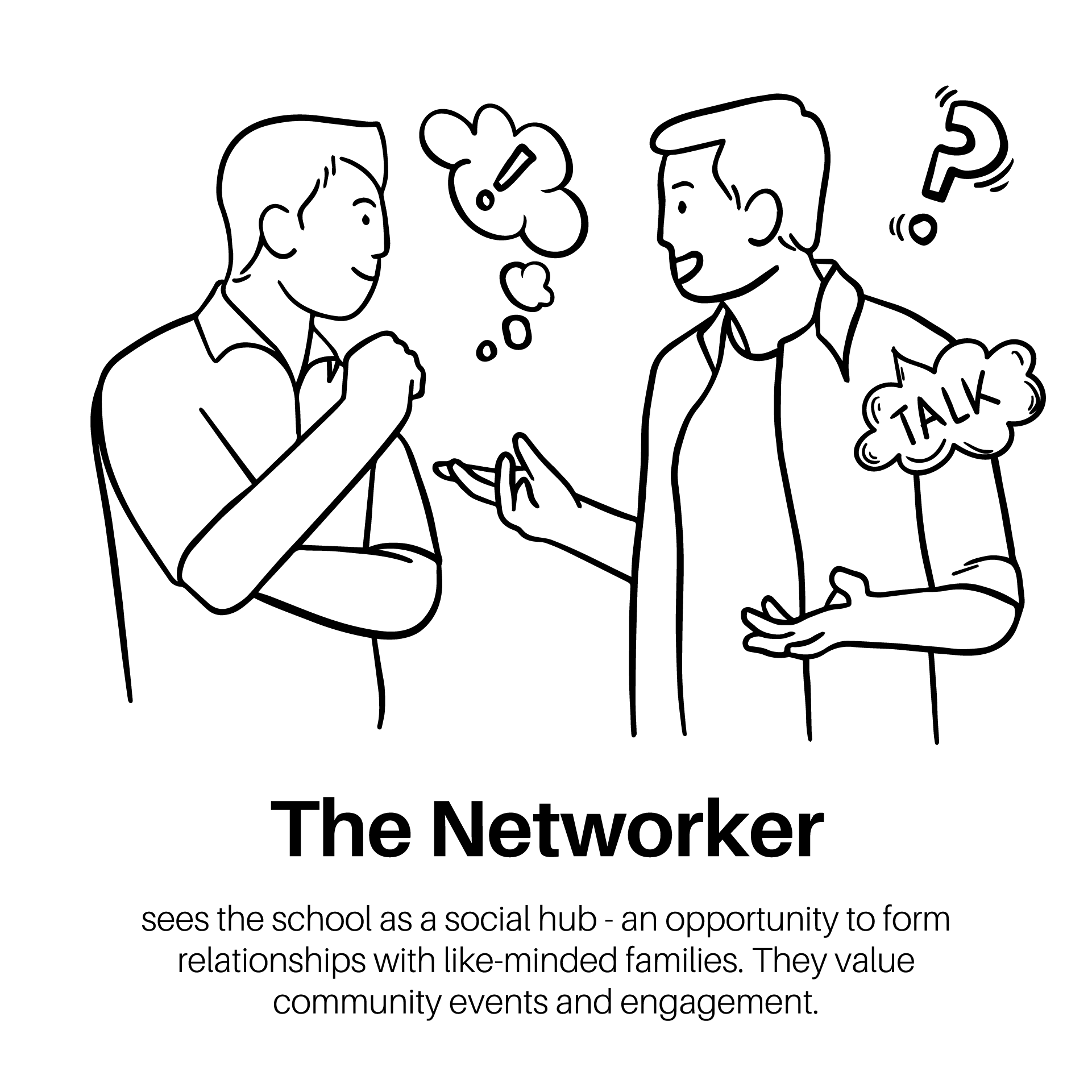
The Networker
The Davis Family sees the school as a social hub, a place to build ties with like-minded families. They value community events and engagement.
- James and Laura Davis, social and outgoing parents in their late 30s
- Their child, Ava (13)
- See school as a social hub and enjoy community events and engagement
- Value relationships with like-minded families
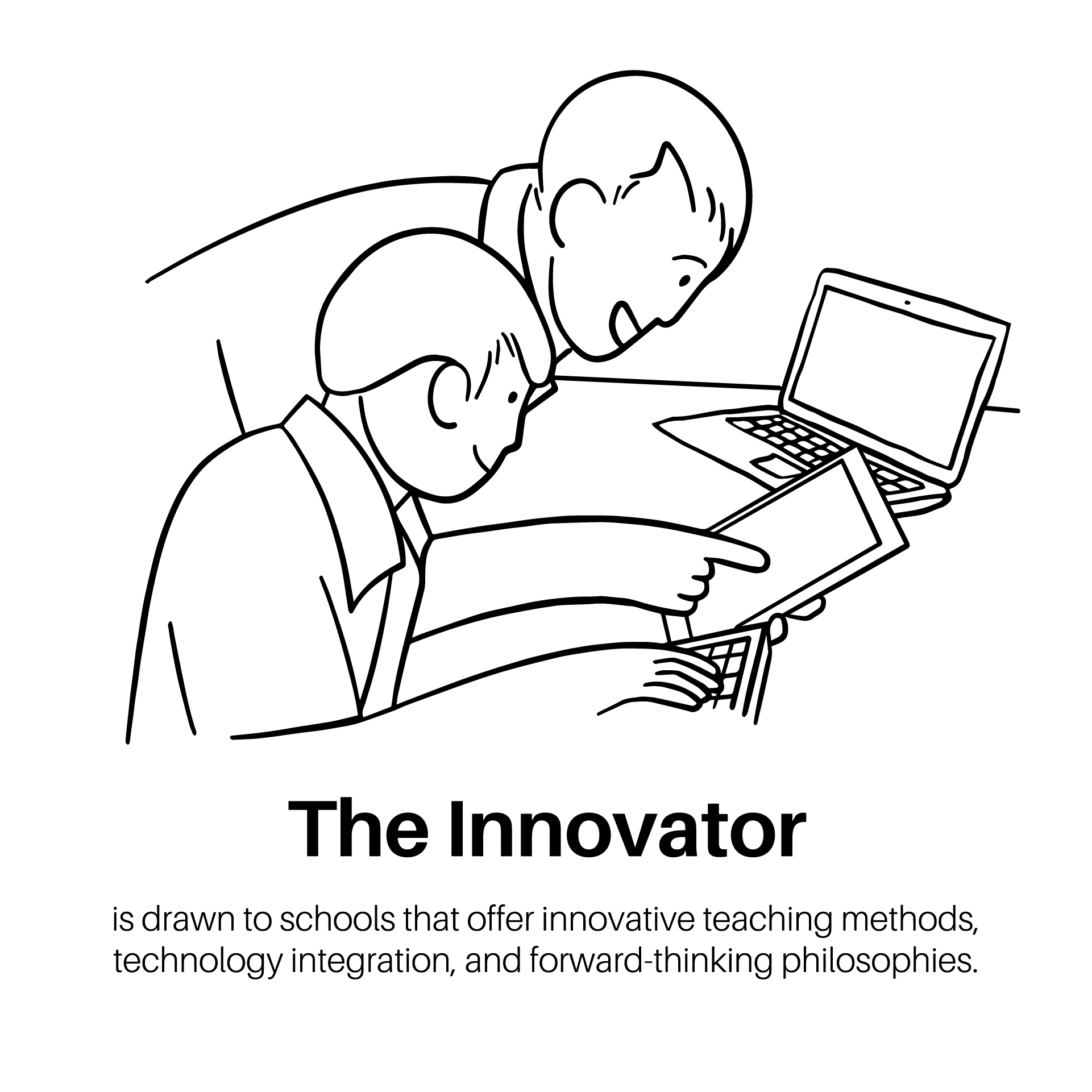
The Innovator
The Patel Family is drawn to schools with new teaching methods, built-in tech, and forward-thinking ideas.
- Raj and Priya Patel, innovative-minded parents in their late 30s
- Their child, Aiden (11)
- Attracted to schools with forward-thinking teaching methods and technological integration
- Appreciate schools with progressive educational philosophies
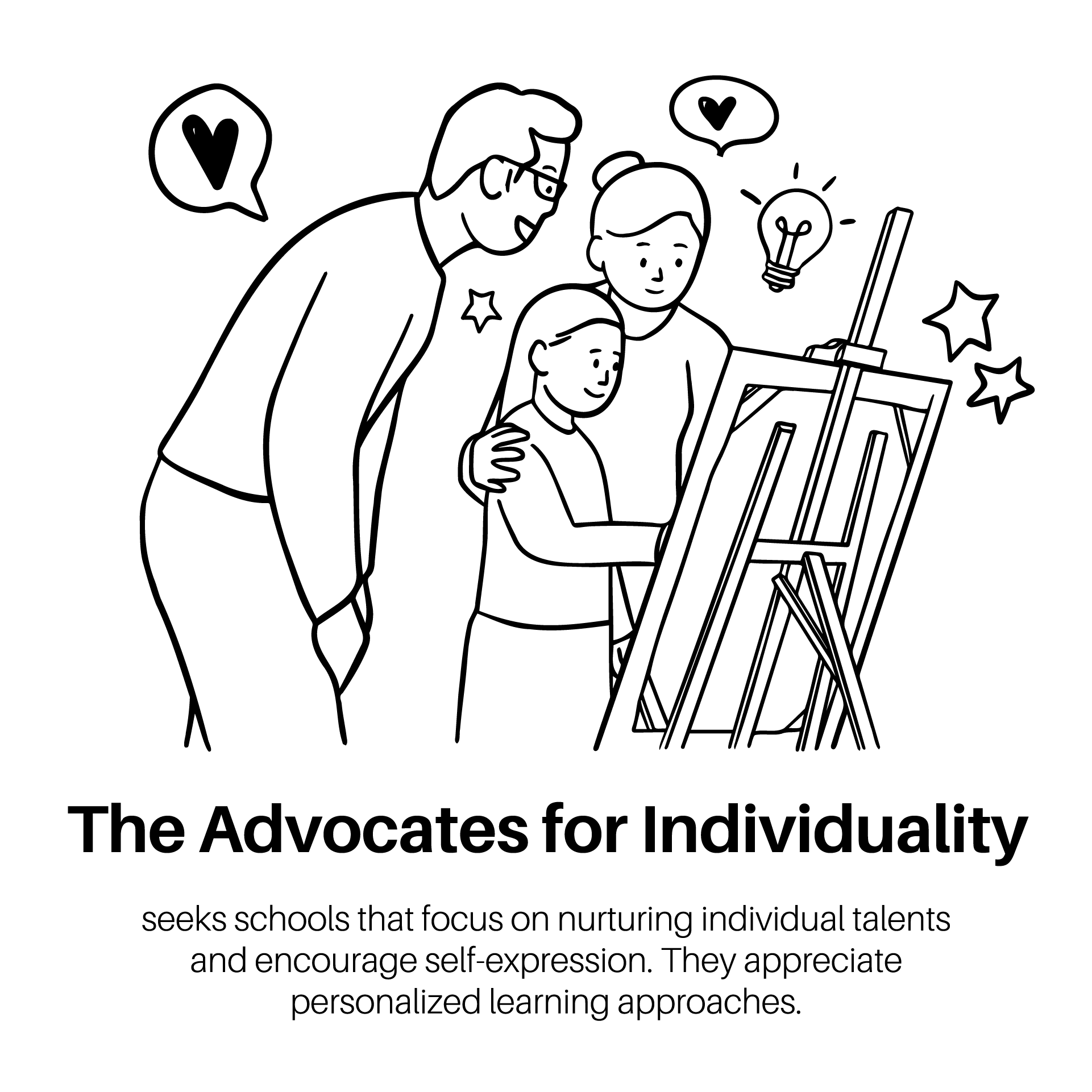
The Advocates for Individuality
The Carter Family wants schools that build on each child's talents and let kids express themselves. They like personalized learning.
- Mark and Jessica Carter, a creative couple in their early 40s
- Their child, Mia (15)
- Seek schools that nurture individual talents and encourage self-expression
- Value personalized learning and creative development

The Sustainability Champions
The Miller Family cares about environmental education and green habits at school. They're drawn to schools with green programs and outdoor learning.
- Adam and Rebecca Miller, environmentally conscious parents in their early 40s
- Their child, Noah (12)
- Value schools with green initiatives, environmental education, and outdoor learning
- Actively promote sustainable practices at home and school

The Global Citizens
The Kim Family cares about diversity, inclusion, and a global view in education. They like a school that teaches world cultures, languages, and global issues.
- Young and diverse parents, Minho and Mei Kim, in their late 20s
- Their child, Kai (9)
- Value diversity, inclusivity, and global awareness in education
- Appreciate a curriculum that includes world cultures, languages, and global issues
Addressing Specific Needs and Challenges
Once you've found your target audience and built user personas, meet their needs in your site's design, content, and messaging. That might mean featuring academic programs, promoting extracurricular options, or easing worries about the admissions process. Either way, your website should be a useful tool for prospective families.
Defining Your K-12 Private School’s Brand Identity
A strong brand identity makes a K-12 Private School website memorable. This section covers why brand identity matters and how to build a consistent visual language, write a strong brand story, and keep your brand consistent across every part of your website.
The Significance of a Strong Brand Identity
Your school's brand identity is more than a logo or a color scheme, since it captures your school's values, mission, and culture. A clear brand identity sets your school apart from competitors and builds trust with stakeholders. It also builds a sense of community among students, parents, and faculty.
School branding goes past logos and colors to cover every touchpoint that shapes how people see your school. The tone of your messages counts, and so does what students go through on campus. Every piece adds to your school's brand identity.
Developing a Consistent Visual Language
Visual branding only works when it's consistent. Set a clear visual language, including colors, fonts, imagery, and design elements, and you'll have one brand people can spot on every website page and marketing piece. Keep these points in mind.
- Colors: Choose a color palette that reflects your school's values and personality. Use these colors consistently throughout your website to reinforce brand recognition.
- Fonts: Select legible fonts that align with your school's tone and personality. Use these fonts consistently for headings, body text, and other design elements.
- Imagery: Use high-quality photos and videos that showcase your school's facilities, students, faculty, and activities. Avoid stock photos and opt for authentic imagery that resonates with your audience.
- Design Elements: Incorporate design elements, such as patterns, icons, and illustrations, that complement your brand identity and enhance visual appeal.
Crafting a Compelling Brand Narrative and Messaging
Your school's brand story should be one your target audience cares about, and it should share your school's values, mission, and unique selling points. Keep these points in mind as you write it.
- Mission and Values: Clearly articulate your school's mission and core values, emphasizing what sets your institution apart from others.
- Unique Selling Points (USP): Highlight the unique features, programs, and opportunities that make your school special and appeal to prospective families.
- Emotional Appeal: Connect with your audience on an emotional level by sharing stories, testimonials, and anecdotes that illustrate the impact of your school community.
Ensuring Brand Consistency Across All Website Elements
Consistency is what builds a strong brand identity. Use your school's logos, colors, fonts, and messaging the same way on every website page and marketing piece, including the items below.
- Logo Usage: Use the school logo consistently in the header or footer of every webpage. Ensure that it is displayed prominently and maintains its integrity in terms of size, color, and placement.
- Color and Font Consistency: Use your school's chosen colors and fonts consistently throughout the website to reinforce brand recognition and maintain visual coherence.
- Tone of Voice: Maintain a consistent tone of voice in your website copy and communications that aligns with your school's brand personality and values.
Key Components of an Effective K-12 Private School Website
A successful K-12 Private School website needs more than good looks. It must offer useful information, engage visitors, and make every task easy. This section covers the core parts every K-12 Private School website should include to present the school well and attract prospective families.
Homepage: Making a Strong First Impression
The homepage is the virtual front door of your school website and the first thing most visitors see. It should look good, tell people what they need, and be easy to get around. Here's what a strong homepage needs.
- School Logo: Display the school logo prominently at the top of the homepage for brand recognition.
- Navigation Menu: Include a clear and intuitive navigation menu that allows visitors to easily find information about academics, admissions, extracurriculars, and more.
- Welcome Message: Provide a brief welcome message that encapsulates the school's values and highlights its unique selling points.
- Featured Content: Showcase engaging content, such as upcoming events, success stories, and news updates, to capture visitors' attention.
- Call-to-Action (CTA) Buttons: Include prominent CTAs that encourage visitors to take action, such as scheduling a tour, requesting more information, or starting the application process.
About Us: Presenting the School’s History, Mission, and Values
The About Us section is your chance to share the school's story, mission, and values with prospective families. It should show what makes the school unique and why it's a great fit for their child, so here's what to put in it.
- School History: Share the school's journey, founding principles, and milestones to establish credibility and trust.
- Mission and Values: Clearly articulate the school's mission statement and core values, emphasizing its commitment to academic excellence, character development, and community engagement.
- Leadership Team: Introduce key members of the leadership team, including the head of school, administrators, and board members, to demonstrate leadership and expertise.
- Testimonials: Include testimonials from current students, parents, alumni, and faculty to provide social proof and validate the school's reputation.
Academics: Highlighting Educational Programs and Curriculum
Prospective families want to know what you teach and how you teach it. The Academics section should spell out your approach to teaching, your curriculum, and your academic wins, so here's what to put in it.
- Educational Philosophy: Describe the school's approach to teaching and learning, whether it's traditional, progressive, Montessori, or another educational philosophy.
- Curriculum Overview: Provide an overview of the curriculum, including core subjects, elective courses, and enrichment programs, highlighting any unique offerings or specialized tracks.
- Extracurricular Activities: Showcase a variety of extracurricular activities, clubs, and organizations available to students, such as sports teams, performing arts groups, and academic clubs.
- Academic Achievements: Highlight notable academic achievements, awards, and recognition earned by students and faculty to demonstrate academic excellence.
Faculty and Staff: Introducing the School’s Team and Their Expertise
The Faculty and Staff section lets prospective families meet the people who will shape their child's school years. It should highlight the training, experience, and drive of the school's faculty and staff, so here's what to put in it.
- Faculty Profiles: Feature profiles of individual teachers and staff members, including their educational background, teaching philosophy, and areas of expertise.
- Staff Directory: Provide a comprehensive directory of all faculty and staff members, including contact information and office hours, to facilitate communication and collaboration.
- Professional Development: Highlight opportunities for professional development and ongoing training available to faculty and staff to support their growth and effectiveness as educators.
- Faculty Accomplishments: Showcase the achievements, awards, and accolades earned by faculty and staff members to demonstrate their expertise and dedication to excellence.
Admissions: Providing Clear Information on the Application Process
The Admissions section matters most to families who are thinking about applying. It should give clear, complete details on the admissions process, requirements, deadlines, and financial aid options, and here's what it needs.
- Admissions Process Overview: Outline the step-by-step process for applying to the school, including deadlines, required documents, and application fees.
- Admissions Events: Highlight upcoming admissions events, such as open houses, information sessions, and campus tours, to provide opportunities for prospective families to visit the school.
- Application Forms: Provide downloadable application forms and instructions for completing the application process, including any supplemental materials required.
- Financial Aid Information: Provide information about financial aid options, scholarships, and tuition assistance programs available to eligible families, along with application deadlines and requirements.
Parent Resources: Offering Useful Tools and Information for Parents
The Parent Resources section is a hub where current families find the facts, resources, and tools they need to support their child's schooling and take part in the school community. Here's what it needs.
- School Calendar: Provide a comprehensive calendar of school events, holidays, and important dates to help parents stay informed and plan ahead.
- Parent Handbook: Include a digital parent handbook or resource guide that outlines school policies, procedures, and expectations for students and families.
- Online Forms: Offer online forms for various administrative tasks, such as enrollment, permissions slips, and volunteer sign-ups, to simplify communication and paperwork.
- Parent Education: Provide resources and articles on parenting, child development, and educational best practices to support parents in their role as partners in their child's education.
News and Events: Keeping the Community Informed and Engaged
The News and Events section is where you share updates, news, and success stories with the school community. It should give timely, useful news that keeps families in the loop and engaged, and here's what it needs.
- School News: Share news articles, blog posts, and announcements about school events, initiatives, and achievements to celebrate successes and foster community pride.
- Event Calendar: Display a dynamic calendar of upcoming school events, performances, fundraisers, and community activities, allowing families to plan and RSVP for events.
- Photo Galleries: Showcase photo galleries or slideshows of recent events, field trips, and activities to provide visual highlights and memories for students and families.
- Newsletters: Offer digital newsletters or e-bulletins with updates, reminders, and resources for families, distributed regularly via email or through the website.
Contact Us: Making It Easy for Visitors to Get in Touch
The Contact Us section makes it easy for prospective families to reach the school. It should offer several ways to get in touch, so visitors can ask a question or request details without a scavenger hunt. Here's what it needs.
- Contact Information: Provide accurate and up-to-date contact information for the school, including phone numbers, email addresses, and physical addresses for different departments or offices.
- Contact Form: Include a contact form on the website that allows visitors to submit inquiries, schedule tours, or request more information, with fields for name, email, phone number, and message.
- Interactive Map: Embed an interactive map or provide directions to the school campus to help visitors get around and find their way to in-person events or appointments.
- Social Media Links: Include links to the school's social media profiles, allowing visitors to connect and engage with the school community on platforms like Facebook, Twitter, and Instagram.
Alumni and Community: Building a Sense of Belonging and Encouraging Engagement
The Alumni and Community section keeps the school in touch with former students, families, and supporters. It's where you celebrate alumni wins, build engagement, and give people a sense of belonging in the school community, and here's what it needs.
- Alumni Profiles: Feature profiles of notable alumni, highlighting their accomplishments, career paths, and contributions to their communities, to inspire current students and foster pride among alumni.
- Alumni Events: Promote upcoming alumni events, reunions, networking opportunities, and volunteer opportunities to encourage alumni engagement and participation in school activities.
- Alumni News: Share news updates, success stories, and achievements from alumni members to celebrate their accomplishments and showcase the impact of a school education.
- Community Partnerships: Highlight partnerships with local businesses, organizations, and community leaders to demonstrate the school's commitment to community engagement and collaboration.
User Experience (UX) and User Interface (UI) Design
A smooth, intuitive user experience (UX) keeps visitors engaged and guides them through your K-12 Private School website.
Best Practices for Navigation and Information Architecture
- Clear Navigation: Design a clear and intuitive navigation menu that helps users easily find the information they're looking for, with logical categorization and organization of content.
- Hierarchical Structure: Implement a hierarchical structure for organizing content, with main categories and subcategories, to guide users through the website and facilitate navigation.
- Breadcrumb Navigation: Include breadcrumb navigation to show users their current location within the website's hierarchy and allow them to go back to previous pages easily.
Designing for Mobile Responsiveness and Cross-Device Compatibility
- Responsive Design: Ensure your website is fully responsive and adapts seamlessly to different screen sizes and devices, including smartphones, tablets, and desktop computers.
- Mobile-Friendly Navigation: Optimize navigation menus and interactive elements for touch screens and smaller screens, with larger tap targets and simplified layouts for mobile users.
- Cross-Browser Compatibility: Test your website across different web browsers (e.g., Chrome, Firefox, Safari) to ensure compatibility and consistency in design and functionality.
Improving Page Load Speed and Performance
- Page Speed Optimization: Optimize your website's performance to minimize loading times and improve user experience, with techniques such as image optimization, minification of CSS and JavaScript files, and caching.
- Content Delivery Network (CDN): Use a CDN to distribute website content across multiple servers worldwide, reducing latency and improving load times for users in different geographic locations.
- Performance Monitoring: Regularly monitor your website's performance using tools like Google PageSpeed Insights and GTmetrix, and make adjustments as needed to maintain optimal speed and performance.
Accessibility Considerations for Inclusive Design
Ensuring Compliance with Accessibility Standards
- WCAG Compliance: Ensure your website complies with the Web Content Accessibility Guidelines (WCAG), which provide standards for creating accessible web content for users with disabilities.
- Screen Reader Compatibility: Ensure your website is compatible with screen reader software used by visually impaired users, with proper labeling of images, form fields, and navigation links.
- Keyboard Navigation: Design your website to be fully navigable using keyboard controls alone, allowing users with mobility impairments to move through and interact with the site effectively.
Conducting Accessibility Audits and User Testing
- Accessibility Audits: Conduct regular accessibility audits using tools like WAVE or Axe to identify and address accessibility issues on your website.
- User Testing: Involve users with disabilities in user testing sessions to gather feedback and insights on accessibility barriers and areas for improvement, ensuring a truly inclusive user experience.
Using Whitespace, Typography, and Visual Hierarchy Effectively
- Whitespace: Use ample whitespace around elements and content blocks to improve readability, create visual breathing room, and guide users' focus on important elements.
- Typography: Choose legible and accessible fonts for body text and headings, with appropriate font sizes and line spacing to enhance readability and visual appeal.
- Visual Hierarchy: Create a clear visual hierarchy on each page, with headings, subheadings, and visual cues (e.g., color, size, contrast) to prioritize content and guide users' attention.
Website Security
Protecting student data and securing your K-12 Private School website comes first. This section covers why strong security measures and best practices matter, since they keep sensitive information safe and give students, parents, and staff a safe online space.
Implementing Strong Security Measures
Secure Hosting and Infrastructure
- Choose a Reliable Hosting Provider: Select a reputable hosting provider that offers secure infrastructure, regular backups, and uptime guarantees to ensure the reliability and security of your website.
- SSL Encryption: Enable SSL encryption to encrypt data transmitted between users' browsers and your website server, protecting sensitive information such as login credentials and personal data.
User Authentication and Access Control
- Strong Password Policies: Implement strong password policies for user accounts, requiring complex passwords and regular password updates to prevent unauthorized access.
- Two-Factor Authentication (2FA): Enable two-factor authentication for user accounts, adding an extra layer of security by requiring users to verify their identity using a second factor, such as a mobile device or email.
Data Encryption and Protection
- Data Encryption: Encrypt sensitive data, such as student records, financial information, and personal data, both in transit and at rest, using encryption algorithms and secure protocols to prevent unauthorized access.
- Regular Backups: Implement regular backups of website data and databases to ensure data integrity and facilitate recovery in the event of data loss or security breaches.
Regular Security Audits and Vulnerability Assessments
- Security Audits: Conduct regular security audits and vulnerability assessments of your website, server, and network infrastructure to identify and address potential security vulnerabilities and weaknesses.
- Penetration Testing: Perform penetration testing to simulate real-world cyber attacks and evaluate the effectiveness of your security controls and defenses in protecting against unauthorized access and data breaches.
Secure Development Practices
- Secure Coding Practices: Adhere to secure coding practices and guidelines, such as input validation, output encoding, and parameterized queries, to prevent common security vulnerabilities, such as SQL injection and cross-site scripting (XSS).
- Security Patch Management: Keep your website's software, plugins, and third-party dependencies up to date with the latest security patches and updates to mitigate known vulnerabilities and security risks.
Employee Training and Awareness
- Security Awareness Training: Provide comprehensive security awareness training for employees, administrators, and staff members to educate them about common security threats and best practices for safeguarding sensitive information.
- Incident Response Plan: Develop and implement an incident response plan outlining procedures and protocols for responding to security incidents, data breaches, and cyber attacks effectively.
Compliance with Privacy Regulations
- Compliance with GDPR, CCPA, and FERPA: Ensure compliance with SOC 2 and relevant privacy regulations, such as the General Data Protection Regulation (GDPR), California Consumer Privacy Act (CCPA), and Family Educational Rights and Privacy Act (FERPA), to protect the privacy and rights of students and parents.
Ongoing Monitoring and Maintenance
- Security Monitoring: Implement continuous website monitoring and logging to detect and respond to suspicious activities, unauthorized access attempts, and potential security breaches in real-time.
- Regular Updates and Maintenance: Perform regular updates and maintenance of your website, server, and software components to address security vulnerabilities and ensure the ongoing security and integrity of your online environment.
With these strong security measures and best practices in place, you can protect student data, guard sensitive information, and keep a secure online space for your K-12 Private School website.
Testing and Launch
Before you launch your K-12 Private School website, test it thoroughly to make sure it works, it's easy to use, and it runs well on different devices and browsers.
Conducting Thorough Testing Before Launch
Functional Testing
- Feature Testing: Test all website features and functionalities, including navigation menus, forms, interactive elements, and multimedia content, to ensure they work as intended.
- Cross-Browser Testing: Test your website on different web browsers (e.g., Chrome, Firefox, Safari, Edge) and devices (e.g., desktops, laptops, smartphones, tablets) to ensure compatibility and consistency in design and functionality.
- User Experience Testing: Evaluate the overall user experience (UX) of your website, including ease of navigation, clarity of content, and intuitiveness of user interactions, to identify areas for improvement.
Performance Testing
- Page Load Speed Testing: Measure the loading times of your web pages using tools like Google PageSpeed Insights or GTmetrix to identify performance bottlenecks and optimize page speed.
- Load Testing: Simulate high traffic loads on your website using load testing tools there are free test automation tools available for this purpose to assess its performance under peak usage conditions and ensure scalability and reliability.
Security Testing
- Vulnerability Scanning: Conduct vulnerability scanning and penetration testing to identify and address security vulnerabilities, weaknesses, and potential entry points for cyber attacks.
- Data Protection Testing: Verify the effectiveness of data encryption, access controls, and security protocols in protecting sensitive information and preventing unauthorized access.
Gathering Feedback from Various Stakeholders
- User Testing: Invite users, including parents, students, faculty, and staff, to participate in user testing sessions and provide feedback on the website's usability, functionality, and design.
- Feedback Forms: Implement feedback forms or surveys on your website to gather input from visitors about their experience, preferences, and suggestions for improvement.
- Internal Review: Solicit feedback from internal stakeholders, including administrators, teachers, and IT staff, to identify any issues or concerns before launching the website.
Collaborating with Professional Website Service Providers
- Web Development Agency: Work with a reputable web development agency or professional web designers who specialize in K-12 Private School websites to ensure high-quality design, functionality, and technical expertise.
- Content Management System (CMS) Providers: Collaborate with CMS providers that offer user-friendly platforms for managing and updating website content, ensuring ease of use and efficiency for administrators.
- Technical Support and Training: Seek support and training from website service providers to help troubleshoot technical issues, provide guidance on best practices, and ensure a smooth transition to the new website.
Pre-Launch Checklist
- Content Review: Review all website content for accuracy, completeness, and relevance, ensuring consistency in tone, messaging, and branding.
- Mobile Responsiveness: Verify that the website is fully responsive and displays correctly on different devices and screen sizes.
- SEO Optimization: Optimize website content and metadata for search engines to improve visibility and rankings in search results.
- Backup and Recovery Plan: Implement a backup and recovery plan to ensure data integrity and facilitate recovery in case of data loss or website downtime.
- Launch Plan: Develop a comprehensive launch plan outlining tasks, responsibilities, and timelines for deploying the website and communicating with stakeholders.
Test thoroughly, gather feedback from stakeholders, and work with professional website service providers, and your K-12 Private School website will be ready for a successful launch.
Content Strategy and Copywriting
Good content strategy and copywriting engage visitors, share your school's unique value proposition, and drive conversions on your K-12 Private School website. This section shows how to build a content strategy tied to your school's goals and how to write clear, useful, and SEO-friendly copy.
Developing a Content Strategy Aligned with School Goals
- Define Objectives: Clarify your school's objectives for the website, such as increasing enrollment, promoting academic programs, or enhancing community engagement, to guide your content strategy.
- Audience Research: Conduct audience research to understand the needs, preferences, and interests of your target audience, including prospective families, current students, parents, and alumni.
- Content Calendar: Develop a content calendar outlining topics, themes, and publication schedules for blog posts, articles, newsletters, and other content formats to ensure consistency and relevancy.
Writing Compelling, Informative, and SEO-Friendly Copy
- Engaging Headlines: Craft attention-grabbing headlines that pique curiosity, convey value, and encourage visitors to explore further.
- Clear Messaging: Communicate your school's unique value proposition, academic offerings, and community culture in clear and concise language that resonates with your target audience.
- Keyword Integration: Integrate relevant keywords naturally into your copy to improve SEO visibility and attract organic traffic from search engines.
- Storytelling Techniques: Use storytelling techniques to connect with your audience emotionally, share real-life experiences, and illustrate the impact of your school's programs and initiatives.
- Scannable Content: Format your content for easy readability and comprehension, with short paragraphs, bullet points, subheadings, and visual elements to break up text and improve user engagement.
- Call-to-Action (CTA): Include clear and compelling calls-to-action (CTAs) throughout your website copy to encourage visitors to take desired actions, such as scheduling a tour, requesting more information, or submitting an application.
- SEO Copywriting: Write copy that is optimized for search engines without sacrificing readability or user experience, incorporating relevant keywords, meta tags, and internal links strategically.
Incorporating Multimedia Elements
- High-Quality Images: Use high-quality images and photographs that showcase your school's facilities, classrooms, students, and activities to visually engage visitors and create a positive impression.
- Videos and Virtual Tours: Create videos and virtual tours that provide an immersive experience of campus life, classrooms, extracurricular activities, and student testimonials to give prospective families a glimpse into the school environment.
- Infographics and Visual Assets: Use infographics, charts, graphs, and other visual assets to present information and data in a visually appealing and digestible format, enhancing understanding and retention.
Creating a Content Calendar for Regular Updates
- Diverse Content Formats: Plan and create a variety of content formats, including blog posts, articles, case studies, testimonials, videos, podcasts, and social media posts, to cater to different preferences and interests.
- Consistent Publishing Schedule: Establish a consistent publishing schedule for releasing new content and updates, whether weekly, bi-weekly, or monthly, to keep your audience engaged and coming back for more.
- Content Promotion: Develop a content promotion strategy to amplify the reach and visibility of your content, including social media promotion, email newsletters, guest blogging, and influencer partnerships.
Build a content strategy tied to your school's goals and write strong, SEO-friendly copy. Add multimedia and keep a content calendar for regular updates. Do all that, and you'll engage visitors and drive conversions on your K-12 Private School website.
Strategies for Driving Traffic and Engagement
To get the most from your K-12 Private School website, you need strategies that drive traffic and engage your audience.
Content Marketing
- Content Creation: Develop high-quality, informative content that addresses the needs, interests, and concerns of your target audience, such as blog posts, articles, guides, case studies, and infographics.
- Content Distribution: Share your content across multiple channels, including your website, blog, social media platforms, email newsletters, and third-party websites, to reach a wider audience and drive traffic back to your website.
- Search Engine Optimization (SEO): Optimize your content for search engines by incorporating relevant keywords, meta tags, and internal links to improve visibility and attract organic traffic from search results.
Social Media Integration
- Social Media Profiles: Maintain active profiles on popular social media platforms, including Facebook, Instagram, LinkedIn, and YouTube, to connect with your audience and promote your school's brand and content.
- Content Sharing: Share your website content, blog posts, videos, and other resources on social media channels to increase visibility, engagement, and shares among your followers and community.
- Community Engagement: Foster community engagement by responding to comments, messages, and mentions on social media, participating in discussions, and sharing user-generated content to build relationships and loyalty.
Email Marketing
- Email List Building: Build an email list of prospective families, current students, parents, alumni, and other stakeholders by offering valuable content, resources, and incentives in exchange for email subscriptions.
- Personalized Newsletters: Create personalized email newsletters with updates, announcements, events, success stories, and resources tailored to the interests and preferences of your subscribers to increase engagement and retention.
- Automation and Segmentation: Use email marketing automation tools to segment your email list based on demographics, interests, and behaviors, allowing you to deliver targeted and relevant content to different audience segments.
Paid Advertising
- Search Engine Marketing (SEM): Run targeted search engine marketing campaigns on platforms like Google Ads to promote your school's website, academic programs, admissions events, and other offerings to users actively searching for relevant keywords and phrases.
- Social Media Advertising: Use social media advertising platforms like Facebook Ads, Instagram Ads, and LinkedIn Ads to reach your target audience with targeted ads, sponsored content, and promoted posts that drive traffic and engagement.
Community Engagement
- Online Forums and Groups: Participate in online forums, communities, and discussion groups relevant to K-12 education, parenting, and school choice to share insights, answer questions, and establish your school's expertise and credibility.
- Local Events and Partnerships: Sponsor or participate in local events, fairs, and community gatherings to raise awareness of your school and engage with prospective families and community members in person.
- Open Houses and Information Sessions: Host open houses, information sessions, campus tours, and virtual events to provide opportunities for prospective families to learn more about your school, meet faculty and staff, and experience the school environment firsthand.
Use these strategies to drive traffic and engagement, and they'll help you promote your K-12 Private School website, attract prospective families, and build real connections with your audience.
Conversion Rate Optimization (CRO)
Conversion Rate Optimization (CRO) helps your K-12 Private School website turn more visitors into leads, inquiries, and enrollments. This section explains why CRO matters and shows how to set conversion goals, design effective calls-to-action (CTAs), run A/B tests, and analyze CRO data.
Understanding the Role of CRO
- Definition of CRO: Conversion Rate Optimization (CRO) is the process of improving the percentage of website visitors who take a desired action, such as filling out a contact form, requesting more information, or scheduling a tour.
- Importance of CRO: CRO helps maximize the return on investment (ROI) of your website by increasing the number of conversions and ultimately driving more enrollments and revenue for your school.
Identifying Key Conversion Goals and Metrics
- Conversion Goals: Define specific conversion goals for your website, such as filling out an inquiry form, scheduling a campus tour, downloading a brochure, or submitting an application.
- Key Performance Indicators (KPIs): Identify key performance indicators (KPIs) to measure the success of your conversion goals, such as conversion rate, lead-to-enrollment ratio, cost per acquisition (CPA), and return on investment (ROI).
Designing Effective Calls-to-Action (CTAs)
- Clear and Compelling CTAs: Design clear and compelling calls-to-action (CTAs) that prompt visitors to take action, using persuasive language, contrasting colors, and prominent placement to attract attention.
- Action-Oriented Language: Use action-oriented language in your CTAs, such as “Schedule a Tour,” “Request Information,” or “Apply Now,” to clearly communicate the desired action and encourage engagement.
- Strategic Placement: Place CTAs strategically throughout your website, including on the homepage, landing pages, program pages, and blog posts, to guide visitors through the conversion funnel and facilitate lead generation.
A/B Testing and Data-Driven Optimization
- A/B Testing: Conduct A/B testing experiments to compare different variations of website elements, such as CTAs, headlines, images, and page layouts, to determine which performs best in terms of conversion rate.
- Hypothesis Testing: Formulate hypotheses based on data insights and user feedback, and test them through A/B tests to validate assumptions and identify opportunities for improvement.
- Data Analysis: Analyze CRO data and metrics using tools like Google Analytics or heatmapping software to identify patterns, trends, and areas for optimization, and make data-driven decisions to improve conversion performance.
Analyzing and Interpreting CRO Data
- Conversion Funnel Analysis: Analyze the conversion funnel to identify potential bottlenecks, drop-off points, and areas of friction that may be hindering the conversion process.
- Segmentation Analysis: Segment your website traffic by demographics, behavior, and traffic source to identify patterns and insights into user behavior and preferences.
- Iterative Optimization: Continuously iterate and optimize your website based on CRO data and insights, making incremental improvements to CTAs, landing pages, forms, and user experience to enhance conversion performance over time.
Put conversion rate optimization (CRO) strategies to work. Set key conversion goals, design effective calls-to-action (CTAs), run A/B tests, and analyze CRO data. Then your K-12 Private School website will turn more visitors into leads and enrollments.
Measuring Success and Continuous Improvement
Measuring the success of your K-12 Private School website and improving it over time are key to hitting your enrollment goals and staying ahead of competing schools online.
Setting SMART Goals and Key Performance Indicators (KPIs)
- SMART Goals: Set Specific, Measurable, Achievable, Relevant, and Time-bound (SMART) goals for your website, such as increasing website traffic, improving conversion rates, or boosting online inquiries.
- Key Performance Indicators (KPIs): Identify key performance indicators (KPIs) to measure the success of your goals, such as website traffic, conversion rate, bounce rate, average session duration, and lead-to-enrollment ratio.
Using Web Analytics to Track User Behavior and Engagement
- Google Analytics: Use Google Analytics to track website traffic, user behavior, and engagement metrics, such as page views, sessions, unique visitors, demographics, and user flow.
- Behavioral Analysis: Analyze user behavior on your website, including popular pages, top entry, and exit pages, click-through rates on CTAs, and conversion funnels, to identify areas for improvement and optimization.
- Conversion Tracking: Set up conversion tracking in Google Analytics to monitor and measure the effectiveness of your conversion goals, such as form submissions, event registrations, and online inquiries.
Conducting User Surveys and Gathering Feedback
- User Surveys: Conduct user surveys and feedback forms to gather insights and feedback from website visitors, parents, students, alumni, and other stakeholders about their experience, preferences, and suggestions for improvement.
- Qualitative Feedback: Gather qualitative feedback through open-ended questions, interviews, and focus groups to gain deeper insights into user needs, pain points, and expectations.
- Quantitative Feedback: Collect quantitative feedback through structured surveys and rating scales to measure satisfaction levels, identify trends, and prioritize areas for improvement.
Regularly Auditing and Updating the Website
- Website Audits: Conduct regular audits of your website, including content, design, functionality, and performance, to identify technical issues, outdated content, broken links, and opportunities for optimization.
- Content Updates: Keep your website content up to date with the latest information, announcements, events, and resources to ensure accuracy, relevance, and freshness for visitors.
- Technical Maintenance: Perform routine technical maintenance tasks, such as software updates, security patches, and server optimizations, to ensure the smooth operation and security of your website.
Staying Up-to-Date with Web Design Trends and Best Practices
- Continuous Learning: Stay informed about the latest web design trends, technologies, and best practices through industry blogs, forums, conferences, and professional development courses to keep your website competitive and relevant.
- Responsive Design: Embrace responsive design principles to ensure your website is accessible and user-friendly across various devices and screen sizes, providing a seamless experience for all visitors.
- Innovative Features: Experiment with innovative features, such as chatbots, virtual tours, interactive maps, and multimedia content, to enhance user engagement and differentiate your website from competitors.
Set SMART goals and KPIs, and use web analytics to track user behavior. Run user surveys, and audit and update the website on a regular basis. Keep up with web design trends and best practices. Do all of that, and you can measure the success of your K-12 Private School website and keep improving it to reach your enrollment goals.
Integrating Third-Party Tools and Platforms
Third-party tools and platforms can add features to your K-12 Private School website, simplify tasks, and make the site easier to use. This section covers the benefits of content management systems (CMS), email marketing tools, customer relationship management (CRM) systems, and add-ons like chatbots and virtual tours.
Incorporating a Content Management System (CMS)
- Ease of Updates: Use a user-friendly CMS, such as Joomla, WordPress, or Drupal, to simplify the process of updating and managing website content, allowing administrators to make changes without technical expertise.
- Content Organization: Organize website content efficiently using a CMS's hierarchical structure, categorization, and tagging features, making it easier for visitors to get around and find information.
- Version Control: Take advantage of version control capabilities in CMS platforms to track changes, revert to previous versions, and collaborate with multiple contributors on content updates.
Implementing Email Marketing and Newsletter Subscription Options
- Email Marketing Platforms: Integrate email marketing platforms like Mailchimp, Constant Contact, or HubSpot into your website to manage email campaigns, automate workflows, and segment your email list for targeted communications.
- Newsletter Subscription Forms: Embed newsletter subscription forms on your website to capture email addresses from visitors interested in receiving updates, news, and announcements from your school.
Using Customer Relationship Management (CRM) Tools
- Lead Management: Integrate CRM software, such as Salesforce, HubSpot CRM, or Zoho CRM, to manage leads, track interactions, and nurture relationships with prospective families throughout the enrollment process.
- Personalization: Use CRM data to personalize communication with leads and existing families, tailoring messages, content, and offers based on their preferences, interests, and engagement history.
Adding Interactive Elements like Chatbots and Virtual Tours
- Chatbots: Implement chatbots on your website to provide instant assistance, answer common questions, and guide visitors through the enrollment process, improving engagement and satisfaction.
- Virtual Tours: Create interactive virtual tours of your campus facilities, classrooms, and amenities, allowing prospective families to explore the school environment remotely and get a feel for the campus culture.
Ensuring Seamless Integration and Compatibility
- API Integration: Ensure seamless integration between third-party tools and your website by using application programming interfaces (APIs) and webhooks to exchange data and synchronize information in real-time.
- Compatibility Testing: Test third-party integrations thoroughly to ensure compatibility with your website platform, browser compatibility, and proper functionality across different devices and screen sizes.
Providing Support and Training for Administrators
- Training Resources: Offer training resources, tutorials, and documentation for administrators and staff members responsible for managing website content, email campaigns, and CRM interactions, ensuring they are proficient in using the integrated tools effectively.
- Technical Support: Provide ongoing technical support and assistance to address any issues, troubleshoot errors, and optimize the performance of third-party integrations on your website.
Add third-party tools and platforms to your K-12 Private School website. That means a CMS, email marketing tools, a customer relationship management (CRM) system, and add-ons like chatbots and virtual tours. They make your site easier to use and run, and they help you engage prospective families.
Addressing Common Challenges in K-12 Private School Website Design
Building and running a website for a K-12 private school comes with unique challenges, especially when resources, technical skills, or stakeholder buy-in are limited.
Limited Resources
Challenge:
Many K-12 private schools run on tight budgets, which makes it hard to set aside resources for website development, design, and upkeep.
Solution:
- Outsourcing Web Development: Consider outsourcing website development to professional web design agencies or freelancers who specialize in educational websites. Outsourcing allows schools to access expertise and resources they may not have in-house, ensuring a high-quality website within budget constraints.
- Using Affordable Tools and Platforms: Explore affordable website-building platforms and tools tailored for educational institutions
- Prioritizing Essential Features: Focus on prioritizing essential website features that directly support the school's goals and objectives, such as admissions information, academic programs, faculty profiles, and contact details, while deferring non-essential features to future phases or updates.
Technical Expertise
Challenge:
K-12 private schools may lack in-house technical skills or a dedicated IT staff, which makes website development, updates, and troubleshooting hard to manage.
Solution:
- Training and Capacity Building: Invest in training and capacity building for staff members responsible for website management, providing them with the necessary skills and knowledge to work with website platforms, update content, and troubleshoot common issues.
- Seeking External Support: Engage with external consultants, web developers, or IT professionals who specialize in educational technology to provide guidance, support, and technical assistance as needed. These experts can offer valuable insights and solutions to address technical challenges and optimize website performance.
- Using User-Friendly Platforms: Choose website building platforms and content management systems (CMS) that are user-friendly and intuitive, requiring minimal technical expertise to manage and maintain effectively. Look for platforms with strong customer support and online resources to assist with troubleshooting and problem-solving.
Stakeholder Buy-In
Challenge:
Getting key stakeholders on board can be hard, and that includes school administrators, faculty, staff, parents, and board members. It's harder still when priorities compete or people resist change.
Solution:
- Communicating Benefits and Value: Clearly communicate the benefits and value of a well-designed website in advancing the school's mission, enhancing communication and engagement, and attracting prospective families and donors. Emphasize how the website serves as a valuable resource for all stakeholders and contributes to the school's overall success.
- Involving Stakeholders in the Process: Involve key stakeholders in the website design and development process from the outset, soliciting their input, feedback, and ideas to ensure their needs and perspectives are considered. Engage stakeholders through focus groups, surveys, and collaborative workshops to foster ownership and buy-in for the project.
- Demonstrating Return on Investment (ROI): Provide evidence and metrics demonstrating the return on investment (ROI) of the website, such as increased website traffic, higher enrollment rates, improved parent satisfaction scores, or enhanced brand recognition and reputation. Highlight success stories and case studies from other schools to illustrate the tangible benefits of investing in a well-designed website.
Consider Outsourcing for Optimal Results
Fixing these problems in-house can work. But sometimes the smart move is to outsource website development and management to outside experts. By outsourcing, K-12 private schools can tap the skills, time, and tools of professional web design agencies or consultants, which frees their own time and energy for the core mission: teaching students.
Here's what outsourcing your website gets you.
- Expertise: Access to skilled professionals with expertise in website design, user experience (UX), search engine optimization (SEO), and digital marketing.
- Efficiency: Simpler development processes and faster time-to-market for website launches and updates.
- Cost-Effectiveness: Cost savings compared to hiring and maintaining in-house technical staff or investing in expensive software and tools.
- Reliability: Reliable support and maintenance services to ensure the website remains secure, up-to-date, and optimized for performance.
When K-12 private schools outsource website work, they get a high-quality, professionally designed website that supports their goals, and they skip the burden of running it in-house.
Conclusion
Congratulations on completing “The Ultimate Guide to Designing an Effective K-12 Private School Website!” This comprehensive guide covered a lot of ground. We explored why a well-designed website matters in the digital age and how to understand your target audience. We covered your school's brand identity, the key parts of an effective website, and user experience (UX) and user interface (UI) design. We also covered website security, testing and launch, and content strategy and copywriting. Finally, we looked at strategies for driving traffic and engagement, conversion rate optimization (CRO), measuring success and continuous improvement, and integrating third-party tools and platforms.
Key Takeaways
- Understanding Your Audience: Identifying and addressing the specific needs and challenges of your target audience, including parents, students, faculty, and staff, is essential for creating an effective website.
- Brand Identity and Messaging: Crafting a consistent brand narrative and messaging across all website elements helps communicate your school's unique value proposition and foster brand loyalty.
- User Experience (UX) Design: Prioritizing usability, accessibility, and intuitive navigation enhances the user experience and encourages engagement with your website.
- Content Strategy and SEO: Developing a content strategy aligned with your school's goals and optimizing content for search engines helps improve visibility, attract organic traffic, and drive conversions.
- Engagement Strategies: Using content marketing, social media integration, email marketing, paid advertising, and community engagement tactics promotes engagement and builds relationships with your audience.
- Conversion Rate Optimization (CRO): Designing effective calls-to-action (CTAs), conducting A/B testing, and analyzing CRO data help maximize conversions and achieve enrollment goals.
- Continuous Improvement: Regularly measuring website performance, gathering user feedback, and staying up-to-date with web design trends and best practices ensure ongoing optimization and success.
Long-Term Benefits
A well-designed K-12 Private School website pays off for years, and here are some of the long-term benefits.
- Increased Enrollment: A user-friendly website that effectively communicates your school's value proposition and offerings can attract more prospective families and increase enrollment rates.
- Improved Engagement: Engaging content, intuitive navigation, and interactive features enhance user engagement and satisfaction, fostering positive relationships with current and prospective families.
- Enhanced Brand Reputation: A professionally designed website that reflects your school's brand identity and values builds credibility and trust among stakeholders, enhancing your school's reputation.
- Cost-Effective Marketing: Using digital marketing strategies and automation tools reduces marketing costs while reaching a wider audience and driving targeted leads.
- Data-Driven Decisions: Tracking website metrics, user behavior, and conversion data provides valuable insights for informed decision-making and ongoing optimization efforts.
Designing an effective K-12 Private School website takes careful planning, clear strategy, and an ongoing commitment to quality. Put the strategies and best practices in this guide to work, and you'll build a strong online presence that draws in prospective families, engages your community, and helps your school reach its enrollment goals.
As a digital marketer, remember that the work on a school website never really ends. Tech, user habits, and education itself will keep changing, so your site will need regular updates and tuning to stay relevant and useful.
Try new tech and improve accessibility and inclusion. Use data for insights, keep your content strategy fresh, and build community ties and partnerships, and you can keep refining your K-12 Private School website for long-term success and impact. Stay agile, listen to feedback, and adapt early as your audience's needs and expectations change.